Trying to Find the Right Phone for My Mom With Alzheimer’s
A son’s search for the right phone for his mother reveals a hidden challenge: modern smartphones aren’t built for people with cognitive decline.
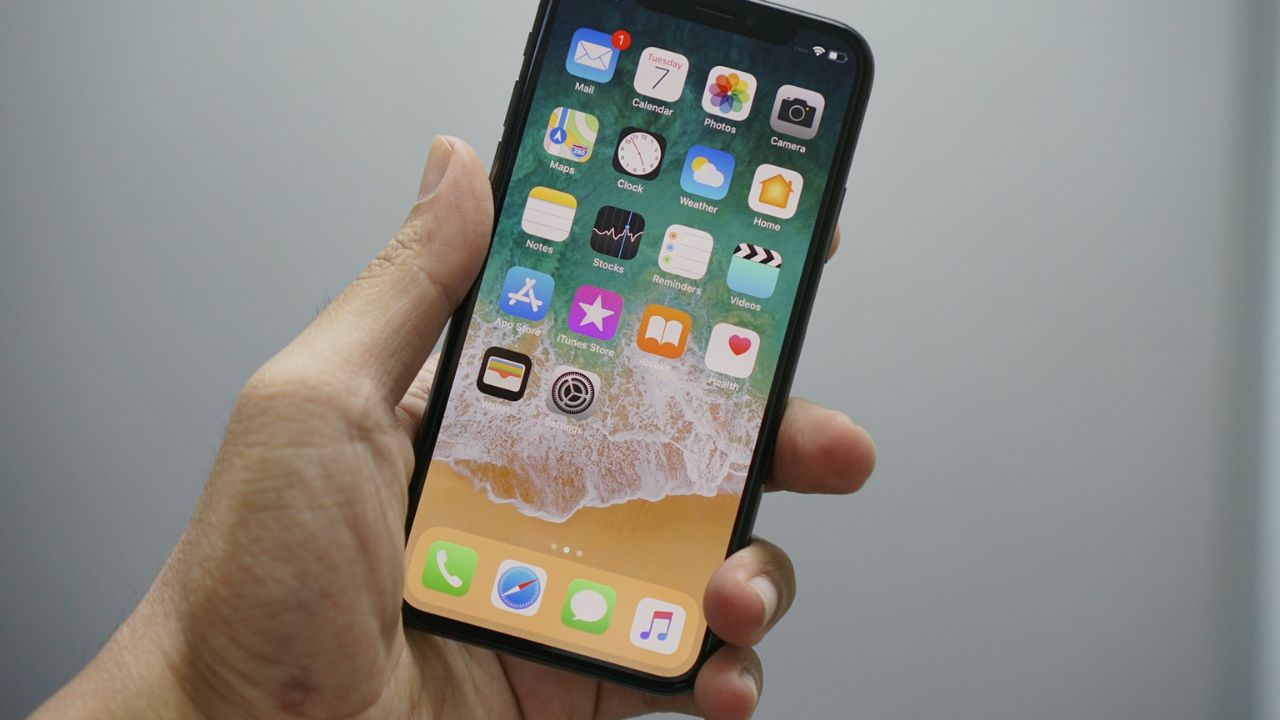
My mother has Alzheimer’s and for years has had an iPhone SE with a fingerprint recognition button called TouchID. I bought it for her because it’s one of the few iPhones that still has the home button, which makes it easier for her to get out of an application and return to the main screen.
I track her through the Find My iPhone app, but sometimes she goes for days without using it or forgets to charge it.
Recently at her house, I picked up her iPhone and saw the dreaded words “iPhone Unavailable.” It was in permanent security lockout mode where the only option was to reboot it like it was a new phone, erasing everything. My mother had failed 10 times to access the phone with her fingerprint or a pass code.
This was terrible news not only because it revealed a further decline in her tech skills and memory — but also because she had an upcoming trip where her phone would be crucial. A few days later, she would be taking a flight on her own to visit my sister in another state.
Our normal procedure was to provide wheelchair assistance, in which an airline staff member guides her to her seat and helps her deplane. We instructed her to show her list of phone numbers so the airline assistant could call my sister for curbside pickup. The phone is serving two purposes — communication and tracking.
But that plan falls apart with an unusable phone.
Using fingerprint ID might seem simple to the ordinary user. But for someone with cognitive decline, it can be tricky to line up the thumb in the correct position. I also found that edges of the phone case sometimes get in the way of her thumb placement. The moisture or dryness of her thumb can also impact the sensor.
I wondered about getting her a phone with Face ID, but I’ve found if you don’t align your face properly or your eyes aren’t looking at the screen, it can result in having to enter a password and risk getting locked out.
Searching for a simpler phone
I decided to look into getting a senior-friendly phone — one that has big buttons and is simpler to navigate. At Best Buy I was immediately taken by the Jitterbug Flip2. It runs on the Lively network and has an app that allows family and caregivers to track the phone.
There’s no touch screen, just big buttons. And for a little more per month, you can push a bright red star button at the bottom to connect you with an emergency operator who can help you or notify family or emergency services in an urgent situation. I was sold.
But I soon found that transferring her T-mobile number to Lively was not that simple. I found myself on tech support trying to figure out why it didn’t work. I realized it’s vital to have a number transfer PIN, or a Port-Out Pin, that allows you to keep your number between providers.
It took a day to figure that out before I ran into more difficulties. My mother was confused by the flip phone, unclear how to open it, often trying to use various parts of the phone as a touchscreen. I had difficulty navigating the phone too. It was hard to know where to hit enter after typing a number.
With only a day to go before my mom’s trip, my stress was increasing, and I had no choice but to send her with the Jitterbug Flip2.
When even ‘simple’ technology gets complicated
Fortunately, my mother made the trip to my sister’s place successfully and learned enough to open the phone when a call was being made. But she still didn’t know how to use it to make calls. My sister and my niece also tried to teach her but they found that phone confusing too.
After more research, I found the Jitterbug Smart4 phone. Slightly more expensive, it had the same emergency features and a simple touch screen similar to an iPhone. It seemed like the best of both worlds.
When my mother returned, I brought her back to Best Buy to try it out, but we were told that we had to purchase it first. I could have technically bought it and returned it, but I was exhausted. I was already tasked with the responsibility of refunding the previous phone, and dealing with all the signups and billing for the app and Lively network accounts, so we left.
After discussion with my sister, we realized the best option was to go back to the iPhone. I went through the tedious process of cancelling the Lively service and transferring her number back to T-mobile’s iPhone plan. My idea then was to just keep her phone unlocked. But if it wasn’t password protected, what would happen if it got stolen?
The hidden tech problem for people with dementia
It was time to reach out for expert guidance, and I learned that I’m far from alone in facing this dilemma.
“This is actually a big problem,” said Bob Ehlers, 64, founder of the nonprofit Conexo Casa, which aims to simplify technology for people with neurocognitive disabilities and offer support. Ehlers was diagnosed with Alzheimer’s disease six years ago.
“When I get into meetings,” he said, “the first 10 to 15 minutes of every call is coaching everybody through — ‘Okay, press this button. See the little microphone, hit that. Now do this and do that.’ And it’s just every step is a barrier.”
He suggested I try putting my mom’s phone in Apple’s Assistive Access Mode. It almost worked.
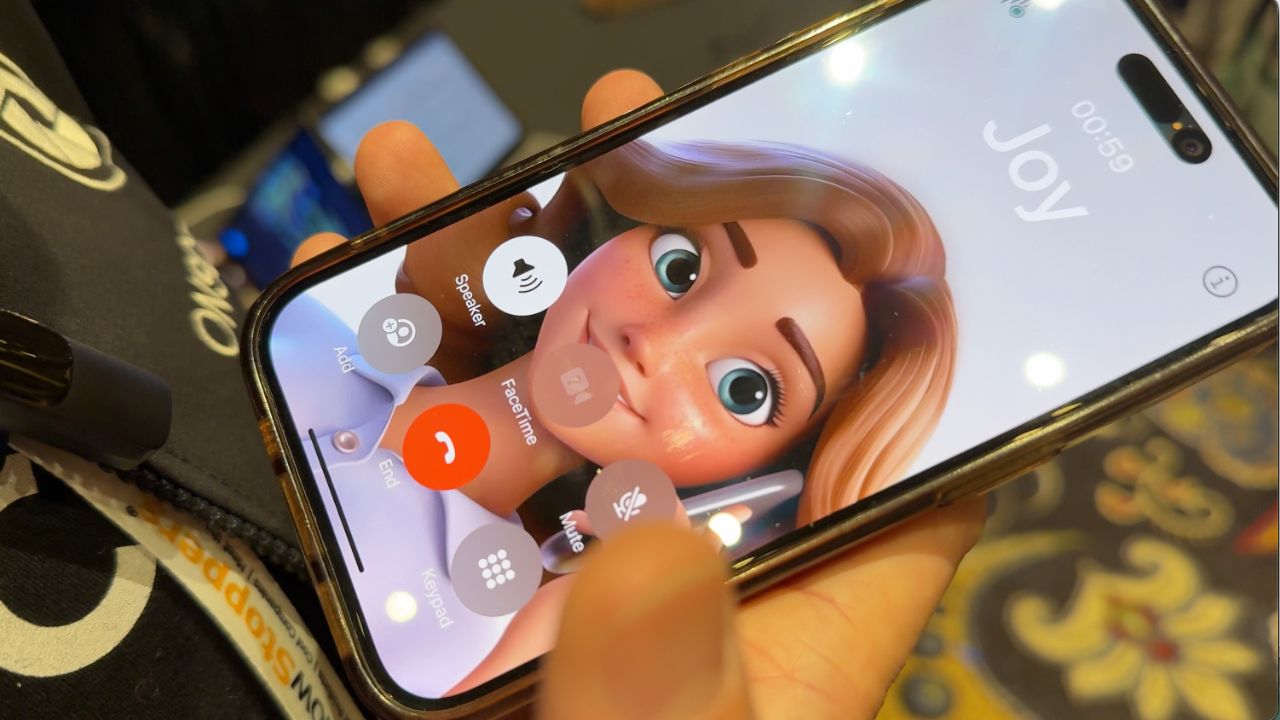
Assistive Access allows you to create a layout that puts the features you want front and center in big, easy to click-on rows. You create a code that can take you out of that mode to access the rest of the phone. I could keep that code to myself. So I proceed to make the “phone icon” the only option.
By clicking on that, contact names emerge. And it’s not hard to make sure those names have pictures of the people connected to them. So with just a few touches, my mom could easily contact a friend or family member.
I was elated, until… the phone went into standby mode.
The security vs. simplicity tradeoff
It turns out that when you awaken the phone, it asks you to click on a series of bars to prevent a user from accidentally activating the phone or making calls.
When I showed my mother, she tried to do this, but as the bars moved it never gave her enough time to tap them. She could not get past this opening scenario. For the iPhone SE, at least, it turns out there’s no way to remove this security feature.
“All those little things add up to confusion,” Ehlers agreed. “I want to look at it and call someone, get a ride, play mahjong, whatever the thing is that I most frequently do, I want a big button for it. I want it to always be there. I want to know how it’s going to behave.”
All the other elements make technology hard to use for many, he added. “I don’t want to have to sign in and deal with all the bullshit that comes along with it,” he said. “And I don’t want ads. I don’t want pop ups. I don’t want things that are going to distract me and confuse me from using the core functionality of the tool.”
Ehlers said he’s been working on software that could be installed on iPhones or Android-based phones to replace the home screen and simplify it for the neurocognitively impaired. At the same time it would lock personal information on the phone and set up a buddy system that allows a trusted person to remotely access the device to provide assistance.
He admitted that’s a tall order.
Why there’s still no perfect solution
After numerous inquiries on both Gemini and ChatGPT, I came to the conclusion that my best option for now was to keep my mother’s phone unlocked and remove all apps containing sensitive information. The most important thing was to take special precautions to protect my mother’s Apple ID. Thieves who get a hold of that can potentially change the password, steal money via saved payment methods, and access personal data.
I then tried something called the “Gray Out” Method, setting her phone up so the Apple ID settings cannot be changed without a passcode that only I know. Here’s how it’s done.
The ordeal has convinced me that there’s no perfect solution, and every device brings its own challenges and tradeoffs. Companies like Lively, Razz, and GrandPad all offer simplified mobile devices with pros and cons. I’m sure that for my mother, our options will continue to change as her condition does.
As Ehlers continues to work on his software, he said that any kind of “foolproof protection” is becoming increasingly challenging due to what he calls the “Applification of everything.”
“Somebody with a neurocognitive problem needs it all to just be simple and work together,” he said. “And having an app that I may have to sign into that I may have to make some menu selections about what I want the app to do… all those little things add up to confusion.”
If you have questions or tips on on securing mobile devices for the cognitively impaired, please add to this discussion or write to me at Mark@beingpatient.com